> ## Documentation Index
> Fetch the complete documentation index at: https://docs.encord.com/llms.txt
> Use this file to discover all available pages before exploring further.
# 4. Create Dataset
Datasets in Encord are created from the files you upload and define collections of files to be labeled. You can add all files from a single folder to a Dataset or compile a Dataset from files across multiple folders, allowing flexible selection of files for labeling. Each data unit you upload can be included in multiple Datasets.
1. Click the **New dataset** button in the *Datasets* section under the *Annotate* heading, to create a new Dataset.
 2. Give your Dataset a meaningful title and description. A clear title and description keeps your data organized.
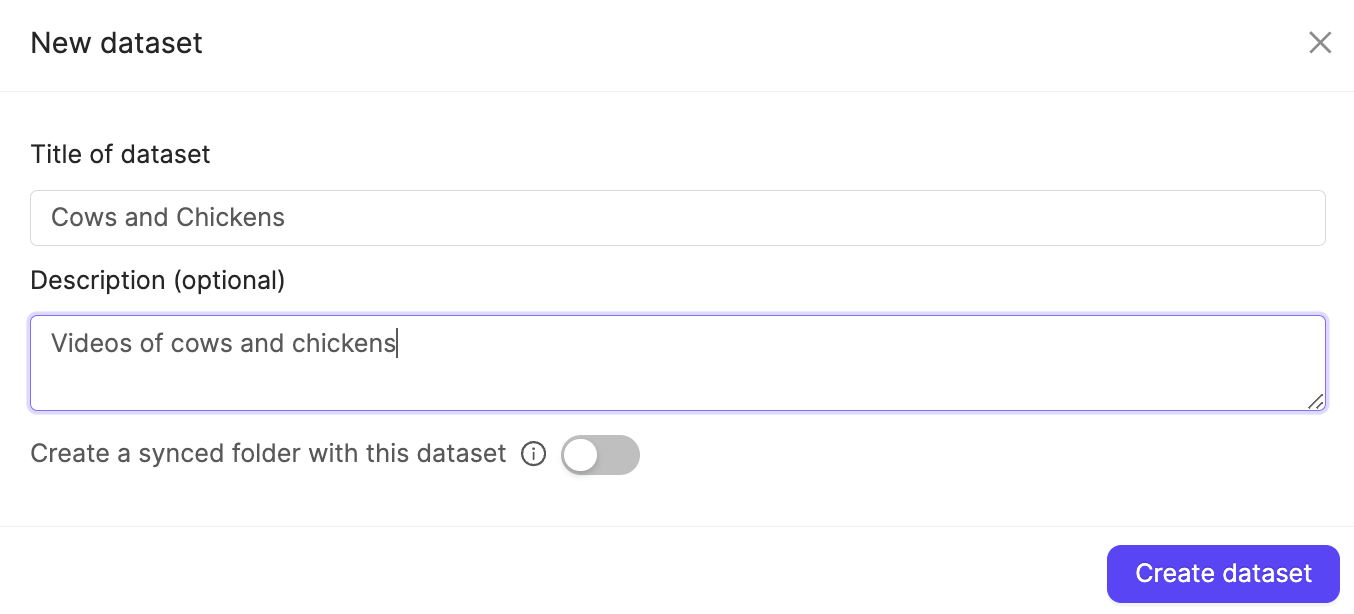 3. Click **Create dataset** to create the Dataset.
A screen showing the Dataset appears.
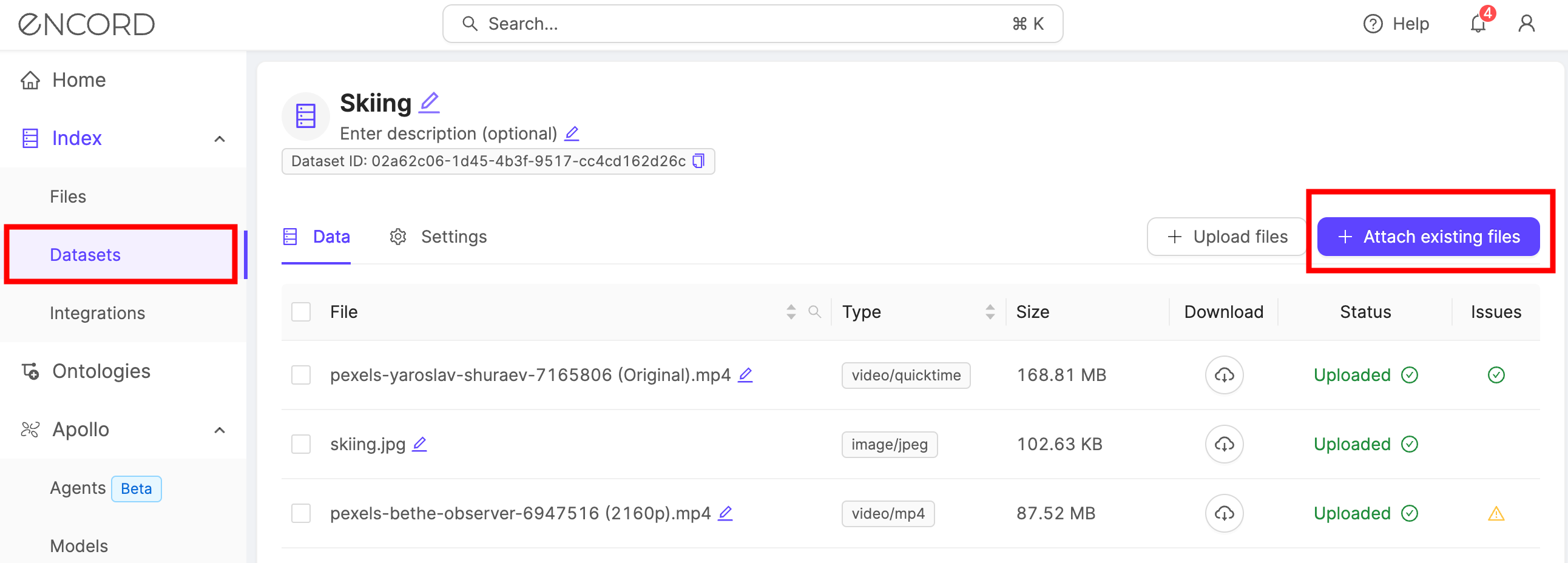
4. Click **+Attach existing files**.
A dialog appears.
3. Click **Create dataset** to create the Dataset.
A screen showing the Dataset appears.
4. Click **+Attach existing files**.
A dialog appears.
 5. Select the folders containing the files you want to attach to the Dataset. To select individual files, double-click a folder to see its contents, and select the files you want to add to the Dataset.
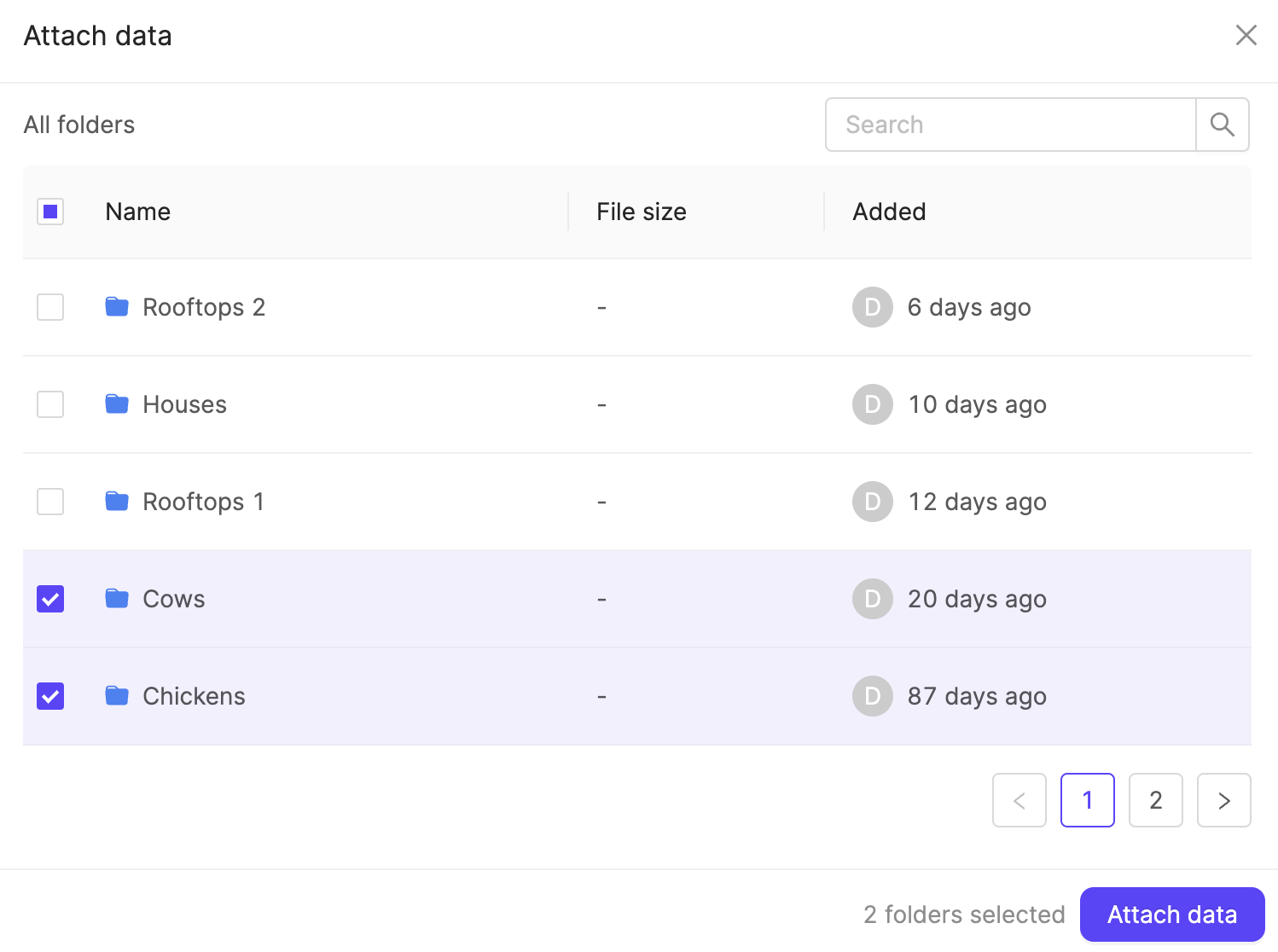 6. Click **Attach data** to attach the selected data to the Dataset.