> ## Documentation Index
> Fetch the complete documentation index at: https://docs.encord.com/llms.txt
> Use this file to discover all available pages before exploring further.
# Find Duplicate Images
Duplicate image detection requires an [upgraded folder](/platform-documentation/Curate/curation-basics#folder-upgrade). Ensure your folder has been upgraded before proceeding.
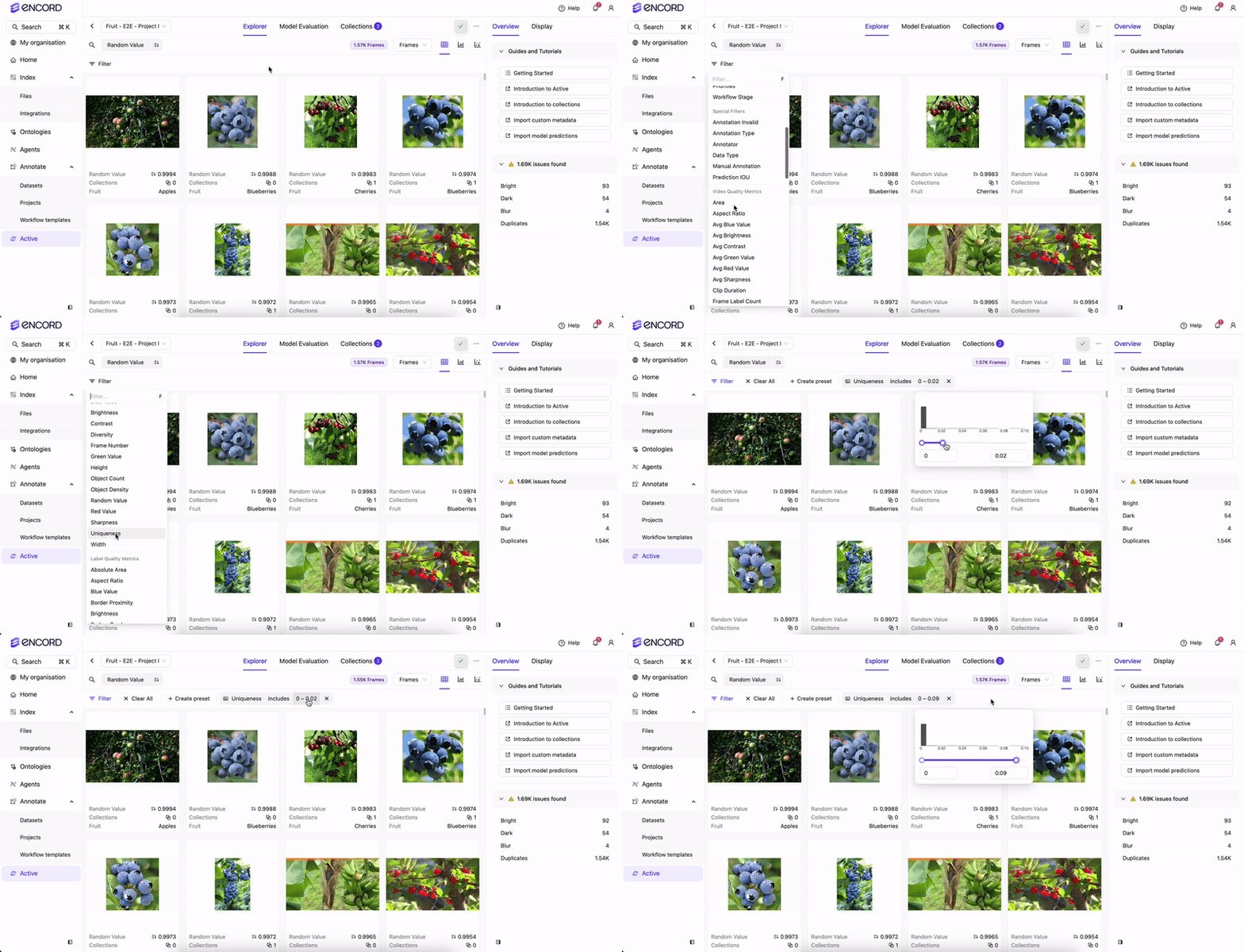
The `Uniqueness` quality metric is used to identify duplicate and near-duplicate images.
## Find Duplicate Images
Navigate to **Data** > **Explore** and select a folder.
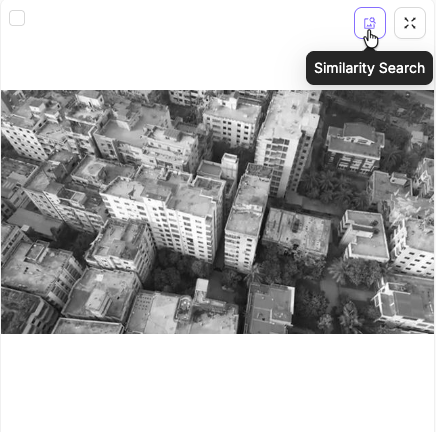
Click the **Similarity search** button in the top-right corner of the card. The search results display images with the lowest `Uniqueness` scores, which are the most similar to the selected image.
Adjust the search distance next to the filter button to find images that are more, or less similar to the selected image.
## Analytics
Navigate to the **Analytics** view to visualize the distribution of `Uniqueness` scores across the dataset. This can help you understand the extent of duplication in your dataset and make informed decisions about data cleaning.
1. Click the **Analytics** view.
2. Select the `Uniqueness` metric from the dropdown in the **Distribution & Summary Statistics** chart.
The chart displays the distribution of data based on the `Uniqueness` scores.